JabRef is an open source reference manager that lets you gather, organise and cite your references and generate bibliography in a document. There are other software, both open source and paid, with similar functionality such as EndNote, Zotero, Mendeley, etc. JabRef is easy to use with shallow learning curve.
LibreOffice is an open source office suite with apps similar to those in Microsoft Office.
Software used:
- JabRef 5.15
- LibreOffice 24.8.1
Creating JabRef library
Go to File -> New library which will create an empty library. Click on the New entry item.
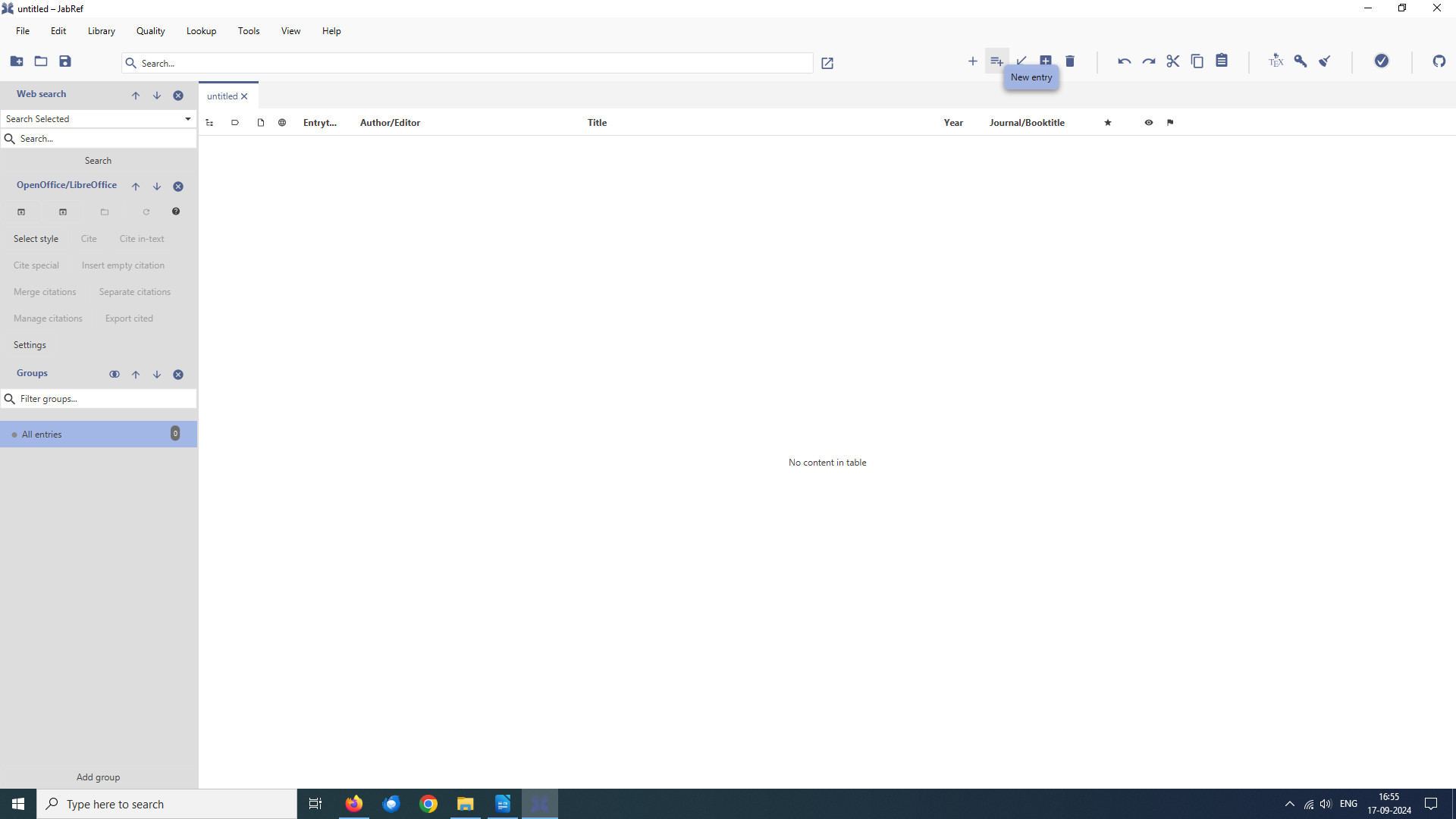
This will open a dialogue which lets you choose the reference entry type.
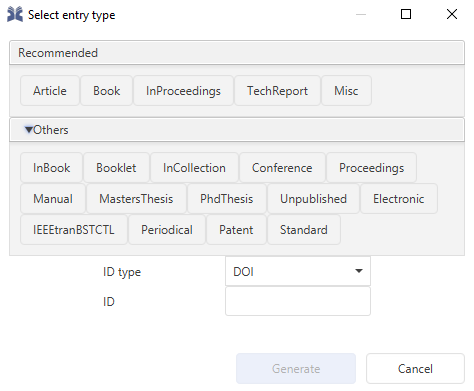
Click on the Article which will open a form with tabs to enter all the relevant information required for an article reference type. Go through each tab and the enter information. At the end create the citation key. Save the new library and give it a name when prompted.

You can also import references from various sources so that you don’t always have to create reference entries yourself.
Click on View -> OpenOffice/LibreOffice to make the OpenOffice/LibreOffice Menu visible.
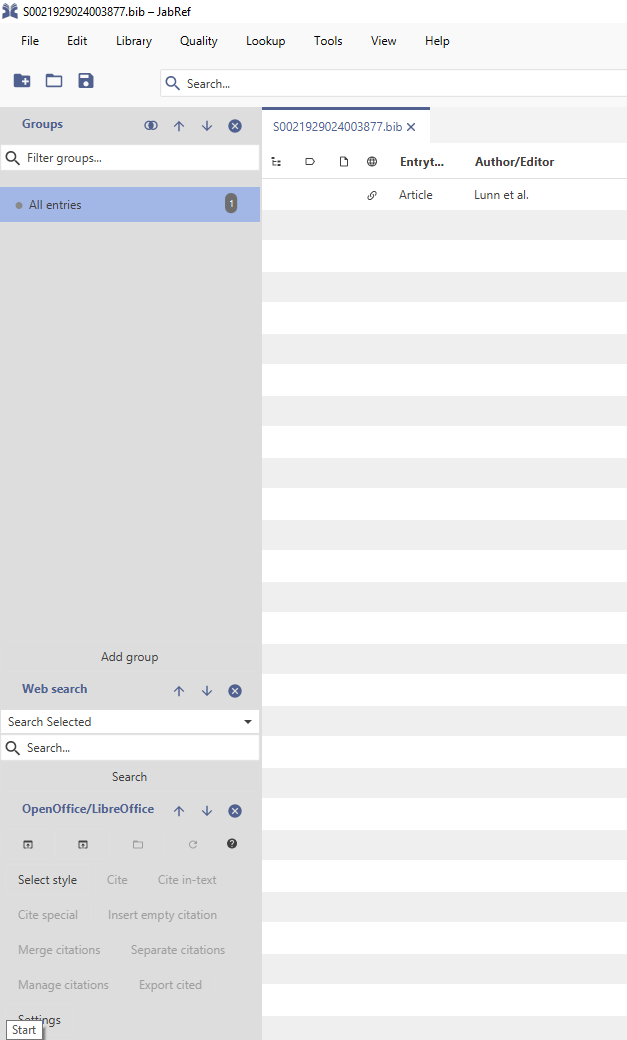
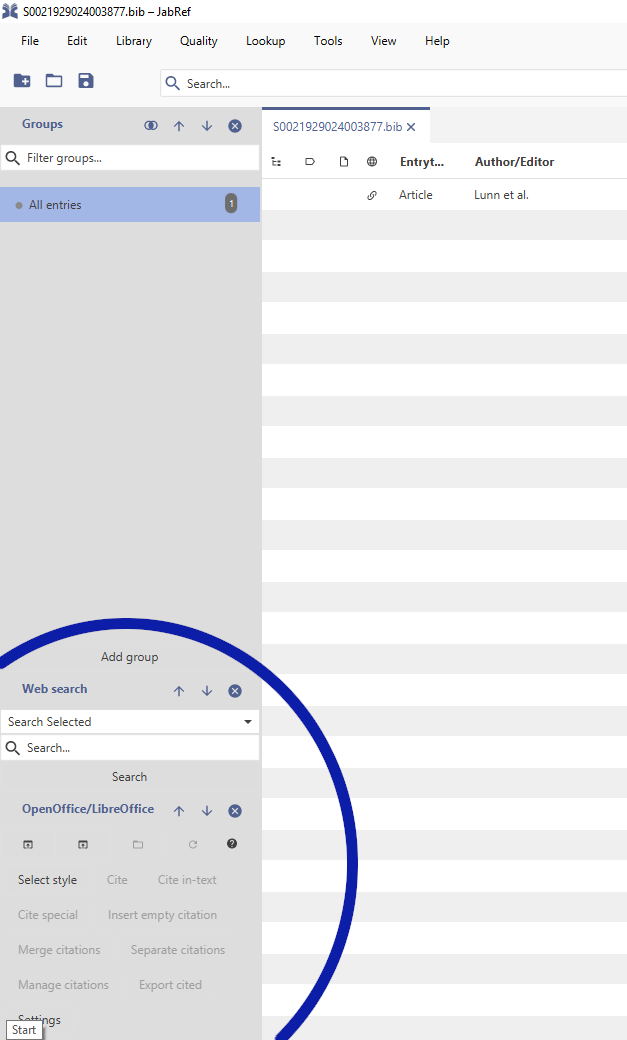
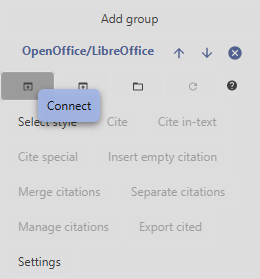
Click on the Connect button. This will automatically connect your library to the open LibreOffice document. You will get an error if no document is open and will be asked to select if more than one document is open.
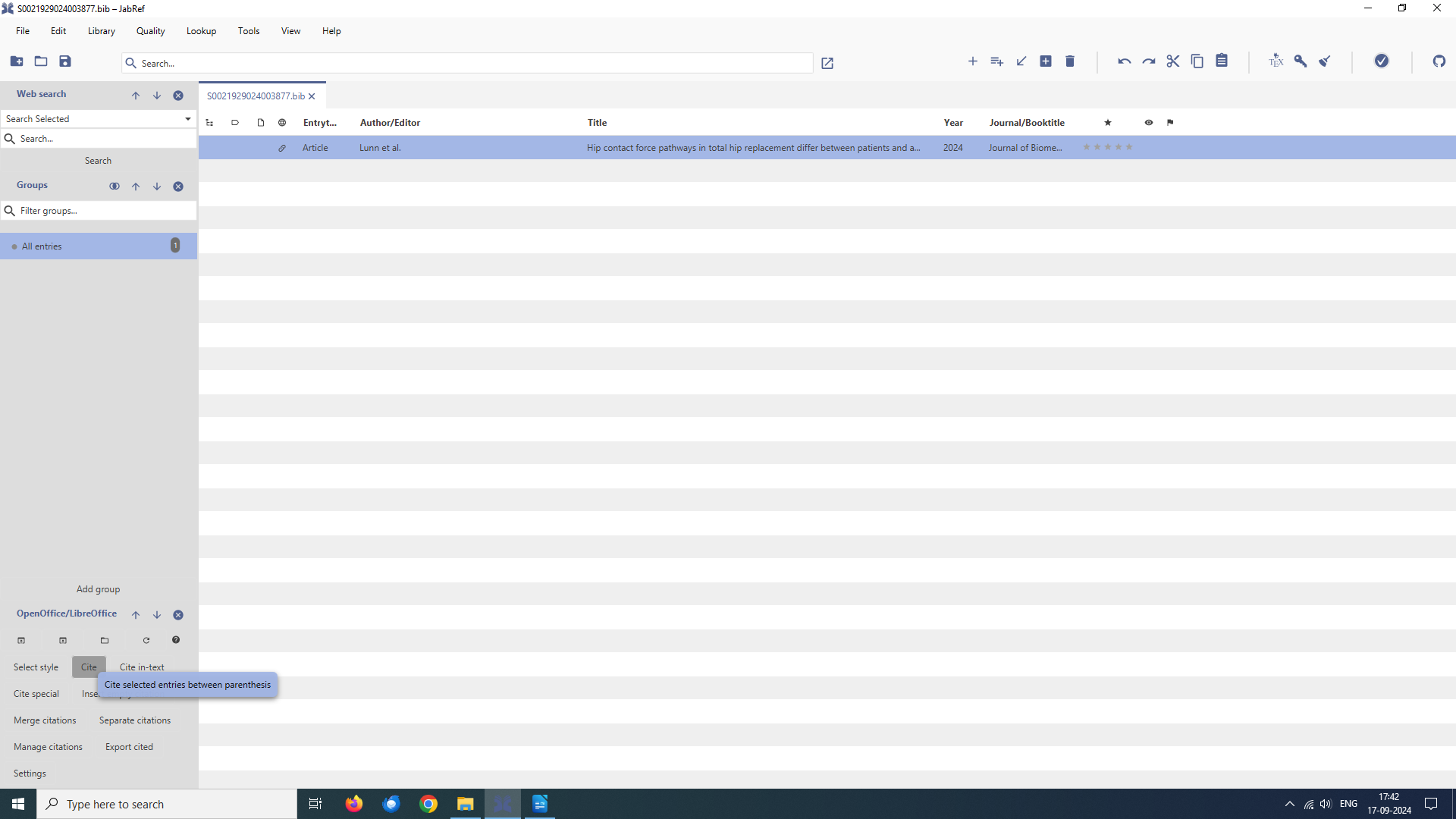
Once your document is connected with JabRef library take your cursor to the place on the document where you want citation to appear. Comeback to JabRef and select the reference you want and click Cite [1]. Depending on the chosen style it will insert the citation. Here, it has inserted a number within a square bracket.
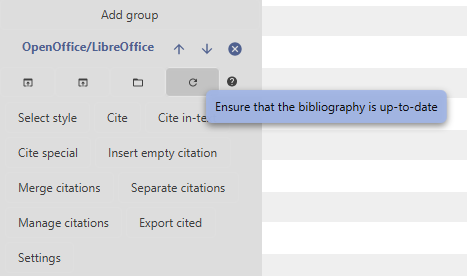
However, no bibliography has been generated yet. To do that click on Ensure that the bibliography is up-to-date. This will create the bibliography at the end of the document with all the references based on the chosen style.
References
[1] Lunn, D. E.; Redmond, A. C.; Chapman, G. J.; Lund, M. E.; Ferguson, S. J. and De Pieri, E. (2024). Hip contact force pathways in total hip replacement differ between patients and activities of daily living, Journal of Biomechanics 176 : 112309.
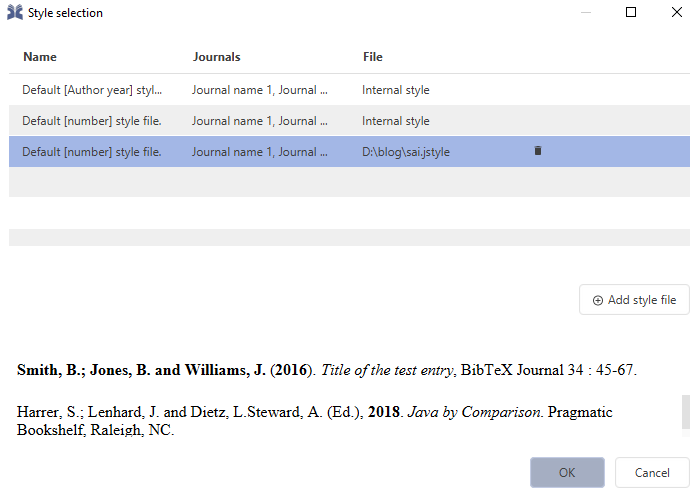
To change the style click on Select style. It will open a dialogue where you can choose a style as per your requirement.
WHY I decided to write this? I had used EndNote for a long time during my research and we had institutional licence for it. However, later own, when I was on my own, I had to shift to a reference manager which was similar in functionality to EndNote and yet was open source. A friend had recommended JabRef and to my surprise it was quite easy.
I thought perhaps, this may help those who want to shift to JabRef.
Leave a Reply